

What the Dreamcash app actually is
July 13, 2026 — The Dreamcash team
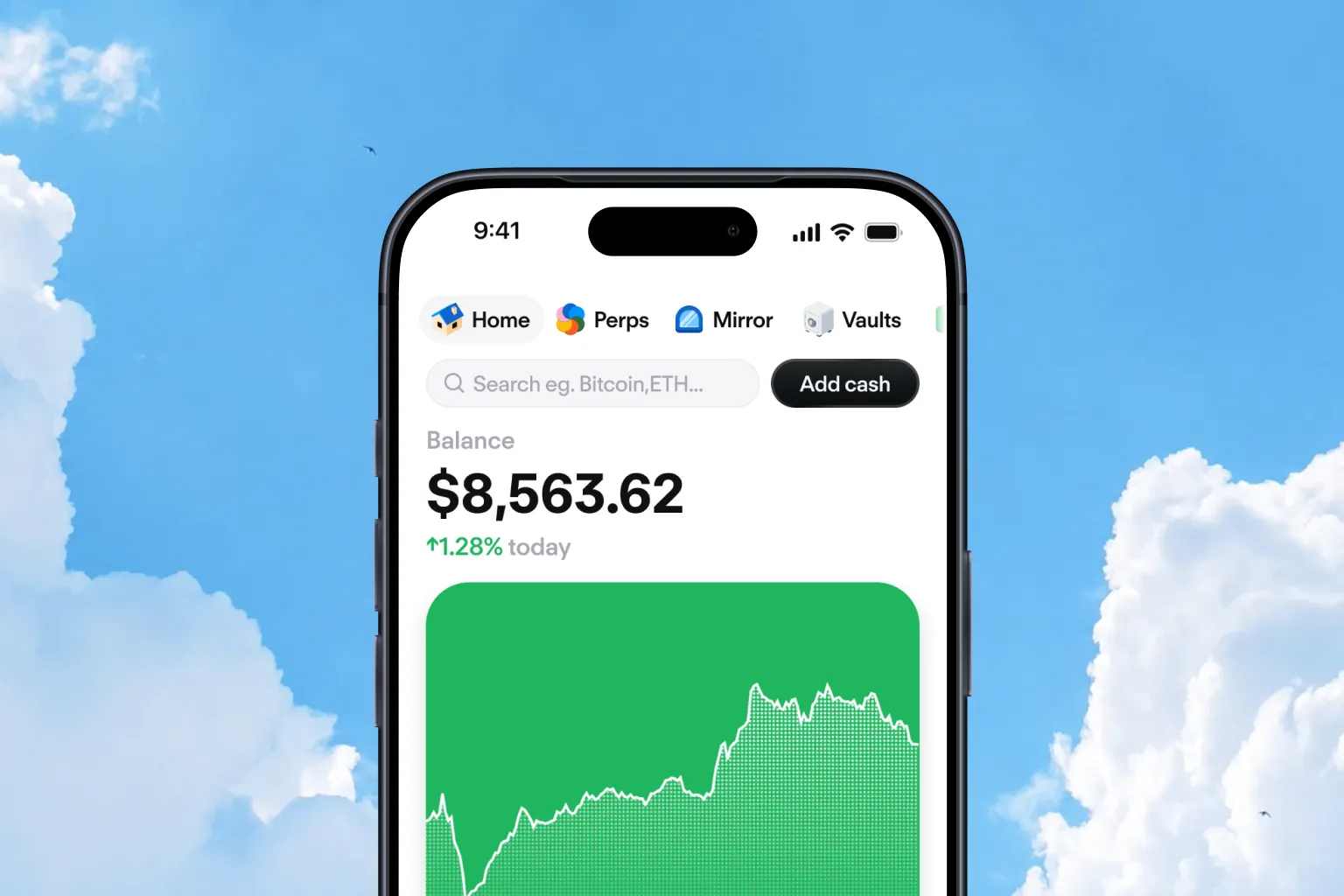
Hyperliquid is a layer-1 blockchain built for on-chain perpetuals trading, with fully on-chain orderbooks. The Dreamcash app is the self-custodial app that lets you trade on it from your phone. You can hold crypto perpetuals, spot tokens, and real-world assets like Apple shares or gold, all inside one app that keeps your funds in your own wallet.
Trading carries real risk, including the risk of losing more than your initial deposit when using leverage.
What the Dreamcash app actually is
The Dreamcash app is a mobile-first front-end to the Hyperliquid protocol. It runs on iOS and Android, with matching versions for Dreamcash web at trade.dreamcash.xyz and Dreamcash desktop for macOS and Windows.
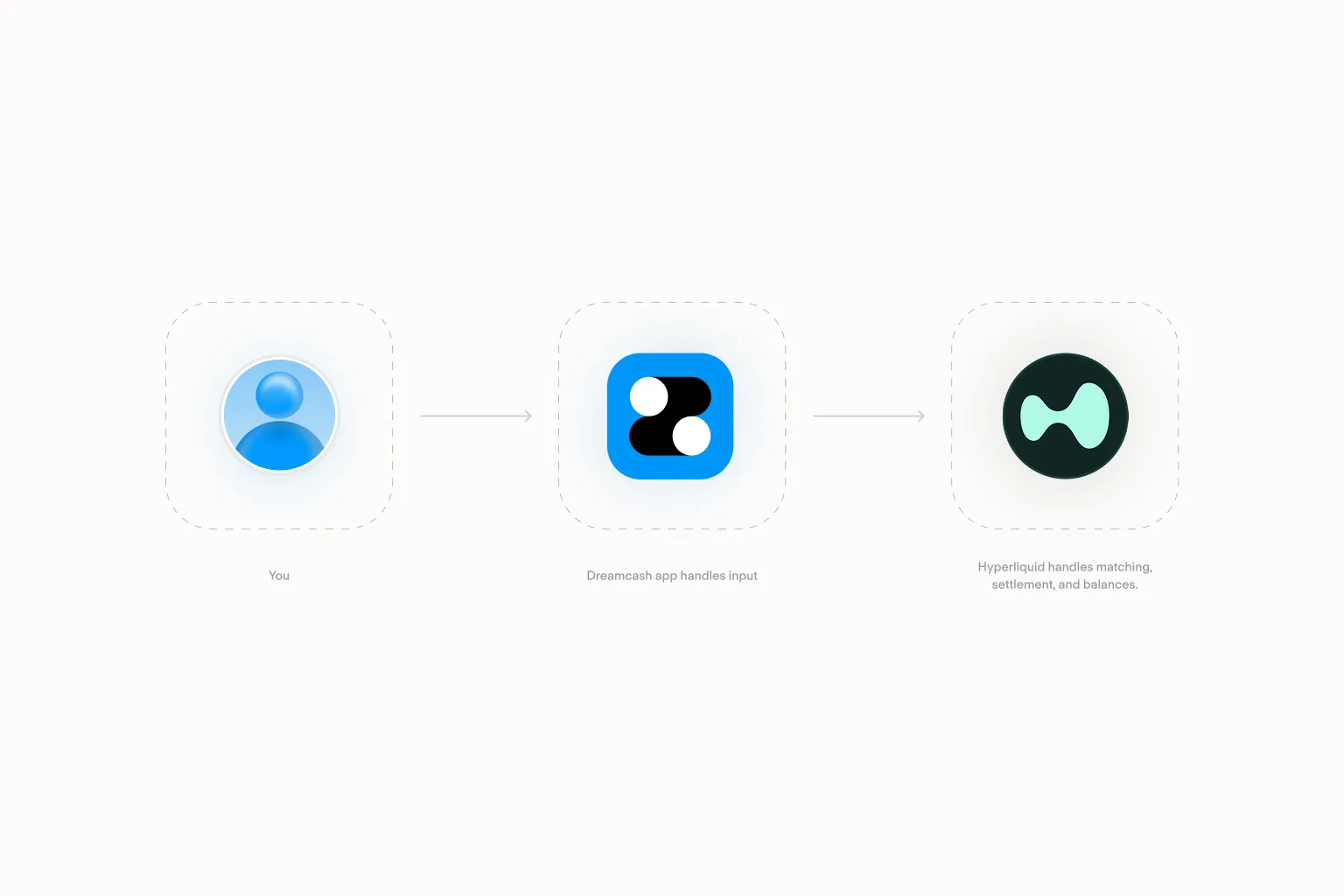
Front end, not custodian. When you place a trade in Dreamcash, your self-custodial wallet signs the transaction on your device before it's ever submitted. Matching, settlement, and balances live entirely on Hyperliquid — Dreamcash never holds your funds the way a centralized exchange does.
A 60-second primer on Hyperliquid
Hyperliquid is a layer-1 blockchain purpose-built for trading. Most blockchains are general-purpose computers; Hyperliquid is closer to a venue. Its core feature is an on-chain orderbook, which means buy and sell orders sit on the chain in plain view and match against each other the way they would on a traditional exchange.
Orders match fast enough to feel like a regular trading app. Anyone running a Hyperliquid client sees the same orderbook, which is why the Dreamcash app can offer the same markets as any other Hyperliquid interface.
Hyperliquid also supports HIP-3, a mechanism for permissionless market creation, where a market operator (a "deployer") can define new market parameters. Some assets across the wider Hyperliquid ecosystem are created this way.
For the deeper version, see the Hyperliquid docs.
What you can trade
Three categories, all in the same app.
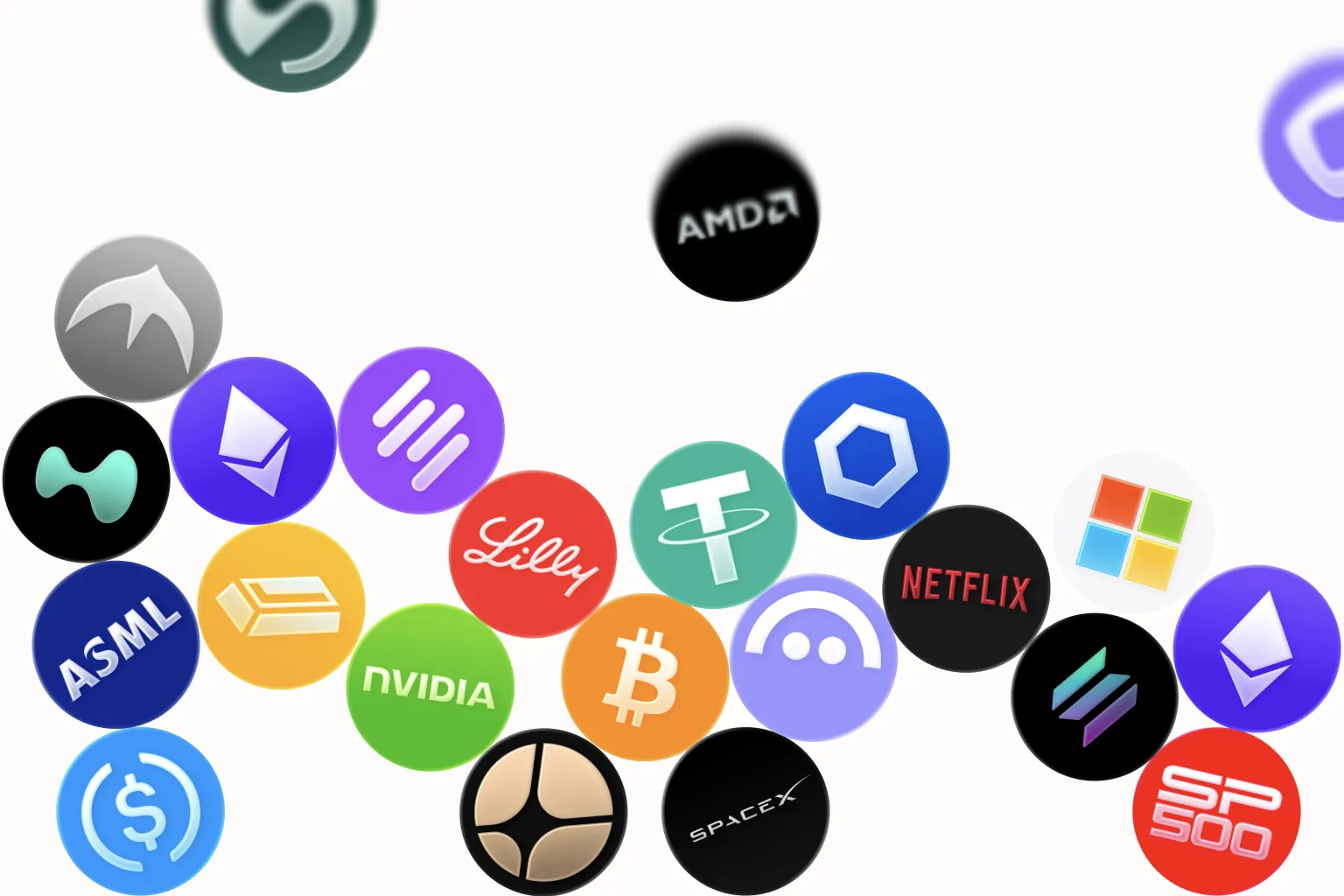
Crypto perpetuals. A perpetual, or perp, is a derivative that tracks the price of an asset without an expiry date. You can go long or short, and adjust your leverage within the platform's limits. Funding rates keep the perp price tethered to the underlying spot price.
Spot tokens. Standard buy-and-hold positions in major tokens that trade on Hyperliquid's spot markets. No leverage, no funding rate, no expiry. You own the position outright.
Real-world assets. Major US stocks (Apple, Tesla, Nvidia, Amazon, Google, Meta, Microsoft), the S&P 500, and commodities (gold, silver, copper). Dreamcash exposes these on Hyperliquid via HIP-3. They're on-chain markets with prices anchored to the underlying — not tokenized equities held by a custodian.
One app, one orderbook — no juggling separate apps or accounts for different markets.
Markets run 24/7 where the underlying allows. US equities follow US market hours.
How a trade works end-to-end
Two pieces. The app handles input; Hyperliquid handles matching, settlement, and balances.
The same trade, step by step.
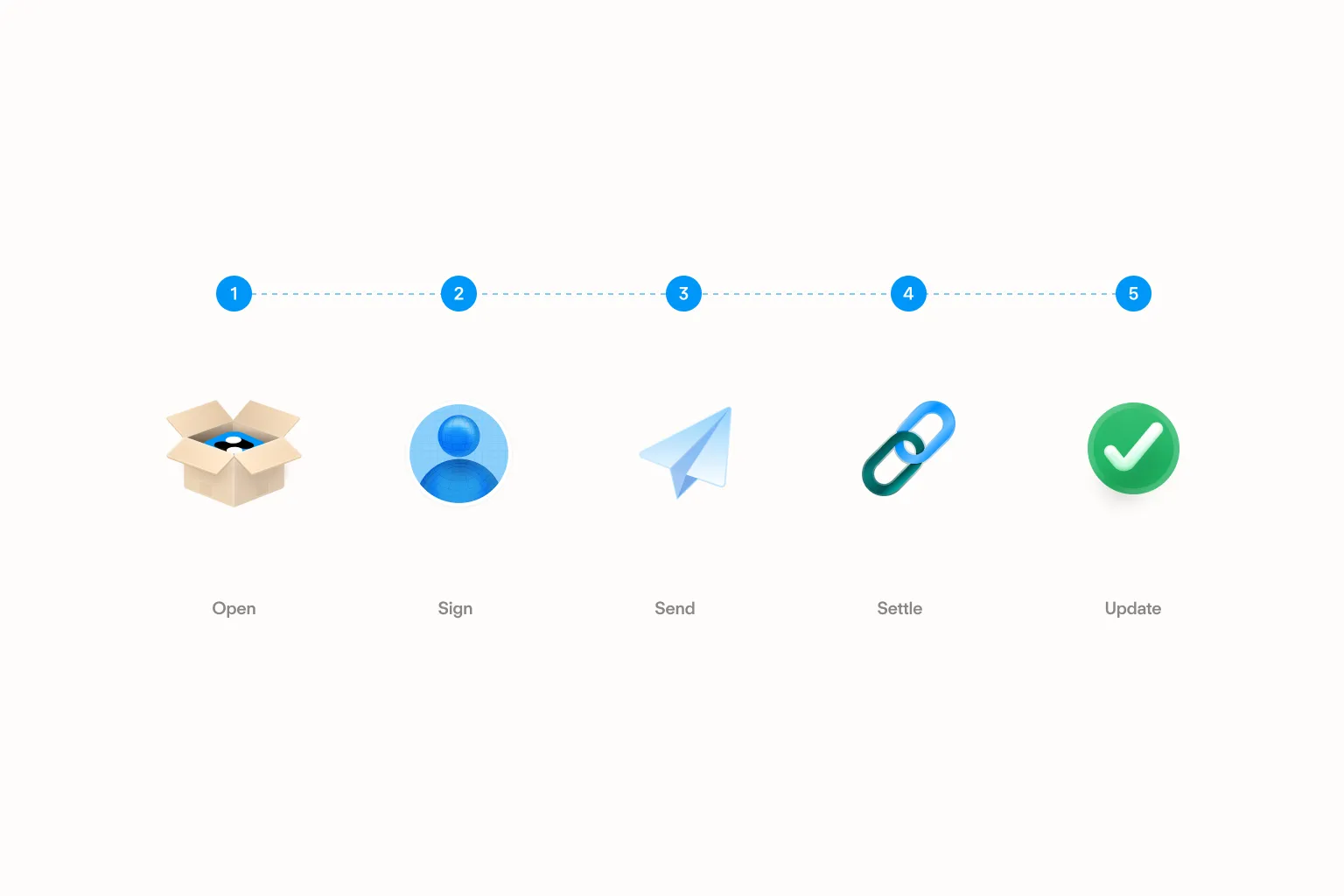
The app never sees an unencrypted private key. It signs your intent; Hyperliquid acts on it. Your money never moves through a Dreamcash account.
Withdrawals work the same way in reverse. You sign a withdrawal request; Hyperliquid releases the funds to the destination you chose. Uninstall and reinstall the app whenever you want — the balance stays on Hyperliquid.
Who the app is for
The Dreamcash app is built with two people in mind.
First: you already trade on a phone. You've used Robinhood, Coinbase, or Cash App, you like how those apps feel, and you want that same polish on perps, on-chain settlement, and a wider asset list. If you've never placed a perp trade, the app explains leverage and funding rates inline — you don't need a docs site open in another tab to make your first trade.
Second: you're already on Hyperliquid through a different client. You know what a funding rate is, you've placed orders before, and you want a mobile interface built for mobile. The mobile UI is the primary surface; web and desktop match it.
Dreamcash availability may vary by jurisdiction, including specific restrictions for UK and US residents. Check the app for current eligibility in your region.
Trading digital assets and derivatives involves significant risk and may result in the loss of capital.
Get started
Three steps to your first trade.
Step 01 · Install
Download the Dreamcash app.
Available on iOS, Android, the web at trade.dreamcash.xyz, and desktop for macOS and Windows. The same account works across every surface.
Open in the app storesStep 02 · Set up
Create your self-custodial wallet.
The app generates a wallet and walks you through backing up the recovery phrase. No ID required — twelve words to write down, and you're done.
How custody worksStep 03 · Trade
Add cash and place your first trade.
Use the in-app fiat rails to add cash, or deposit from an existing wallet. Once funds land on Hyperliquid, every market is one tap away.
See the full FAQWhat's next
The About page gives you the one-paragraph version. The Hyperliquid docs and the Dreamcash docs go deeper.
Whenever you're ready, the app is on iOS, Android, web, and desktop.